Guests joinfrom a link.
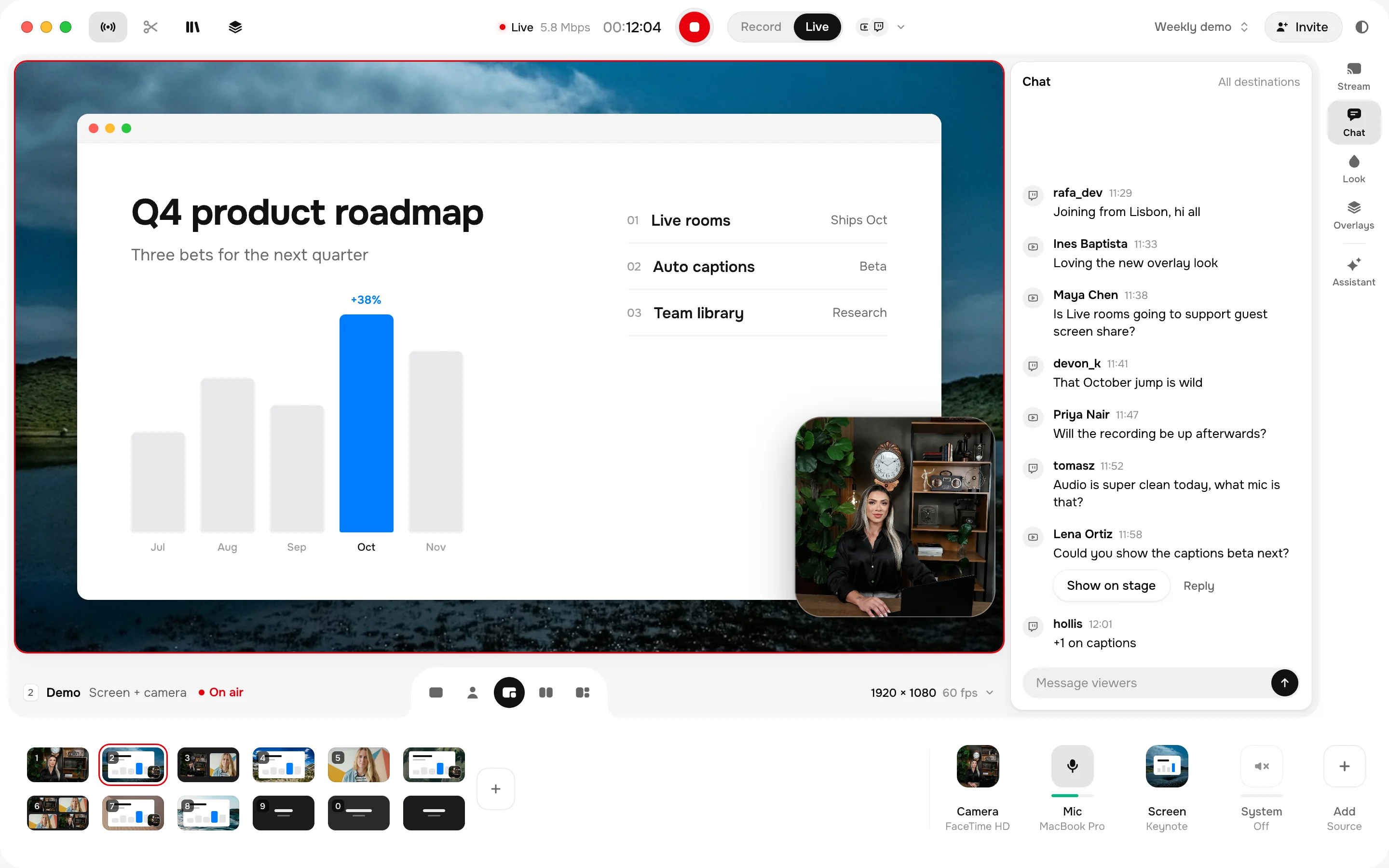
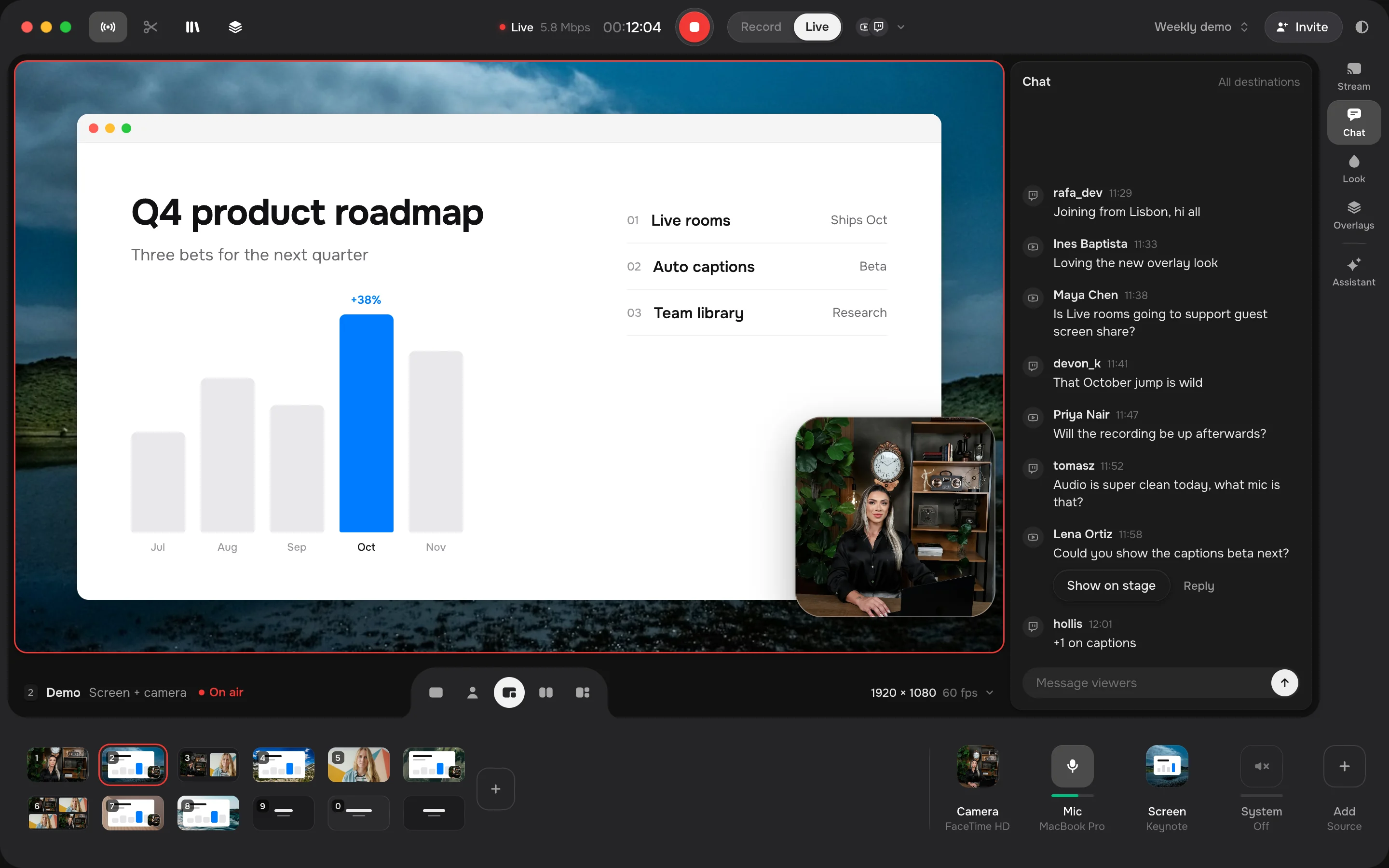
Invite up to 6 guests into the desktop studio with a link. They join from their browser, with no account and nothing to install.
How it works
Send a link, let them in.
Copy the invite link
In the studio, copy the guest invite link and send it however you like.
They join from a browser
Your guest opens the link, picks a camera and a microphone, and waits in the green room.
Let them in
Admit the guest from the studio and place them in a scene, next to your screen or your camera.
FAQ
Questions
- Which plans include guests?
- Creator, Pro, Team and Webinar. The Free plan streams without guests.
- How many guests can join?
- Up to 6 in the desktop studio and up to 2 in the browser studio.
- Do guests need an account or an app?
- No. The link opens in their browser, and they join without an account or a download.