Record. Edit. Share.
Beautifully.
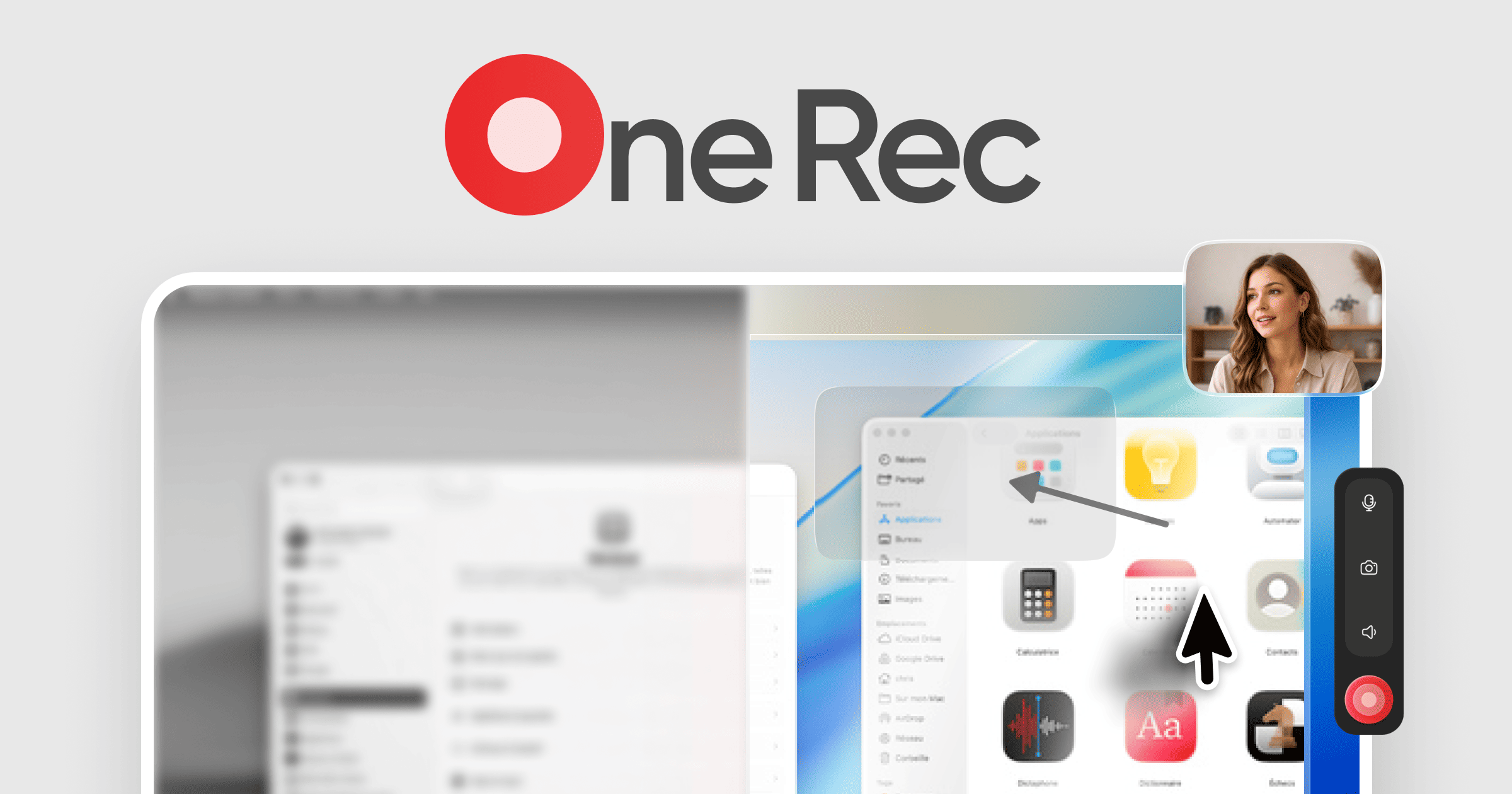
The all-in-one screen recording studio. Cinematic zoom, AI captions, smooth cursors, beautiful backgrounds — everything in one app.
Free screen recorder. No watermark. No time limit. macOS, Windows & Linux.
Four ways we make your recordings better
Cinematic Zoom
AI-powered auto-zoom follows your cursor and clicks. Every action is highlighted with buttery-smooth cinematic movement.
AI Captions
Auto-generated captions with perfect timing. Choose from multiple styles, animate word-by-word, and export in any format.
Smooth Cursor
Transform your cursor into a professional presenter. Smooth trails, click ripples, and spotlight effects make every demo polished.




















Beautiful Backgrounds
Dozens of stunning wallpapers and gradients. Instantly make every recording look professional with gorgeous backdrops.
Three steps to stunning recordings
Record
One click to capture your screen, camera, or both. Choose any window, region, or full screen.
Edit
AI-powered editing tools polish your recording automatically. Add zoom, captions, and effects in seconds.
Share
Export in any format or share with a link. Your recordings look professional — every single time.
Built for speed. Loved by creators.
One Rec is designed to be the fastest, most intuitive recording studio you've ever used. No bloat, no complexity — just professional results.
How One Rec compares
One Rec replaces multiple tools with one free, cross-platform screen recording studio. Here's how it stacks up against the most popular alternatives.
vs OBS Studio
OBS Studio is free and open-source, but it's built for live streaming — not screen recording with editing. One Rec includes a built-in timeline editor, cinematic zoom, AI captions, and beautiful backgrounds. No plugins needed, no complex setup.
vs Loom
Loom's simplicity comes with trade-offs: cloud-only storage, limited free editing, and no offline mode. One Rec gives you the same one-click recording plus a full editor, local processing, and unlimited recordings — all for free.
vs Screen Studio
Screen Studio pioneered smooth zoom effects on Mac. One Rec brings those same cinematic zoom effects to macOS, Windows, and Linux — plus AI captions, a timeline editor, and beautiful export options. All free, no subscription.
vs Camtasia
Camtasia is a powerful but expensive desktop editor. One Rec delivers professional results — cinematic zoom, cursor tracking, AI-generated captions — without the cost or the learning curve. Record and edit in one streamlined workflow.
Common questions
Yes! One Rec is completely free to download and use. Record unlimited screen recordings with all core features included — no hidden costs, no watermarks, no time limits.
Start recording in seconds
Free and built for creators who want professional screen recordings without the complexity. Download now and see the difference.
Free forever · No account required · macOS, Windows & Linux